Instagram Reel vs Post vs Story vs Carousel: What’s the Difference?
Learn the difference between Instagram Reels, posts, Stories, and carousels, including URL patterns, media types, visibility, and which Pull2.me downloader to use.
Download Instagram Reels
Paste a supported public Instagram Reel link and download the available video with Pull2.me.
Open Instagram Reels DownloaderKeep exploring this topic
Practical Pull2.me guides that answer the next questions people usually have.
How to Download Instagram Videos on iPhone Without an App
Use Safari and Pull2.me to process supported public Instagram links on iPhone.
Read guideHow to Download Instagram Videos on Android Without an App
Use a modern Android browser to process supported public Instagram links.
Read guideHow to Download Instagram Stories Before They Expire
Learn how to save supported public Story media while it is still available.
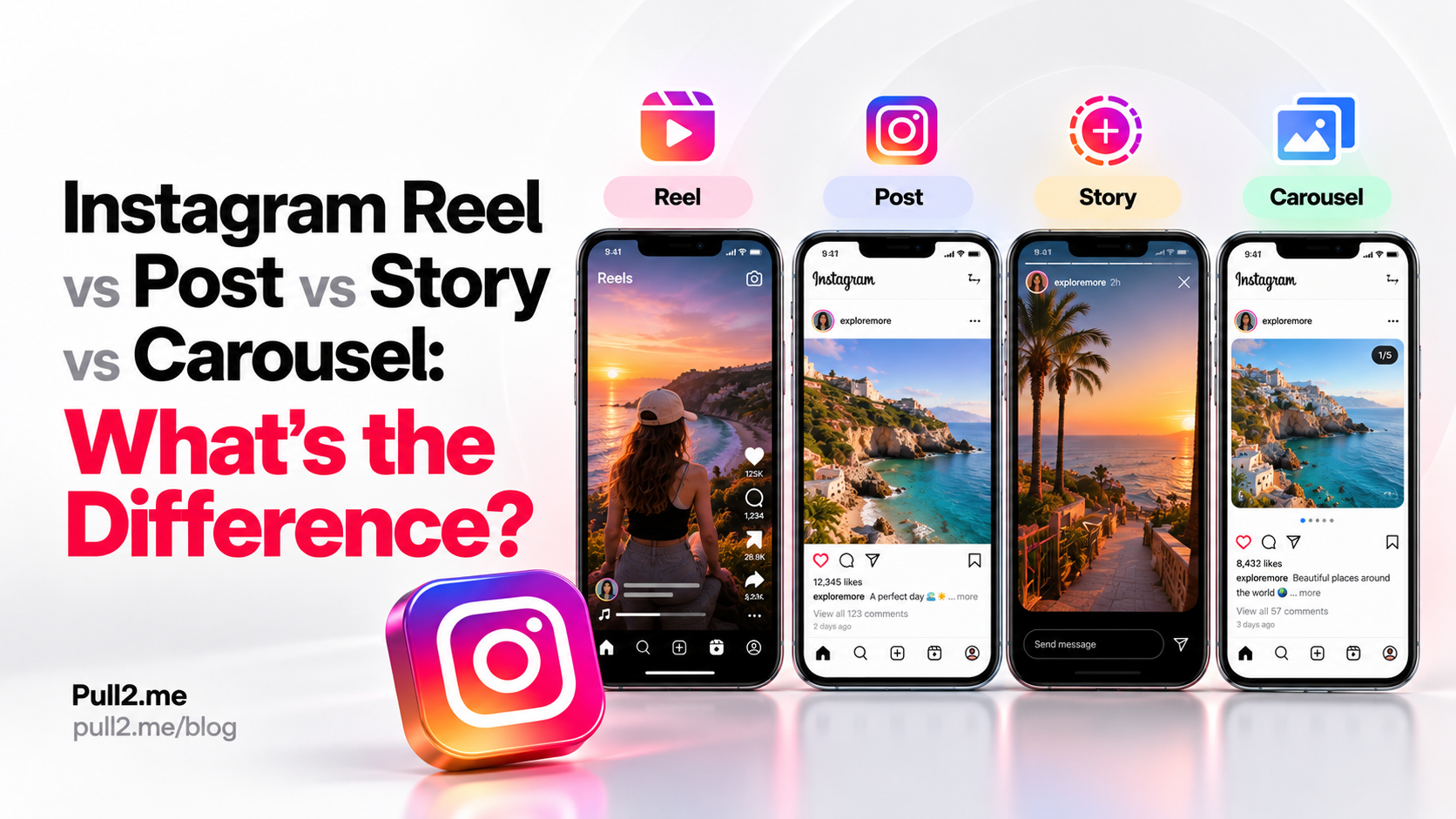
Read guideInstagram uses several different media formats, including Reels, regular posts, Stories, and carousels.
They can look similar inside the app, but they are not the same format.
The easiest way to tell them apart is by looking at:
- How the content is presented
- Whether it contains one or multiple media items
- Whether it disappears
- The Instagram URL pattern
- Which downloader is best suited to the link
Quick Answer
Here is the simplest comparison:
| Instagram format | Typical content | Common URL pattern | Temporary? |
|---|---|---|---|
| Reel | Short-form video | /reel/ | No |
| Post | Photo or video post | /p/ | No |
| Carousel | Multiple photos/videos in one post | /p/ | No |
| Story | Temporary photo or video | /stories/ | Usually yes |
If you already have an Instagram link, the main Instagram Downloader can process supported public Instagram media.
For a Reel specifically, use the Instagram Reels Downloader.
For a public photo post, use the Instagram Photo Downloader.
For a supported active Story, use the Instagram Story Downloader.
What Is an Instagram Reel?
An Instagram Reel is a video-focused content format designed primarily for short-form video.
Reels commonly use URLs containing:
/reel/
A typical Reel URL may look like:
https://www.instagram.com/reel/XXXXXXXXXXX/
Reels can contain:
- Video
- Audio
- Captions
- Effects
- Music
- Text overlays
Reels are generally persistent content unless the creator deletes them or changes their availability.
If you want to process a supported public Reel, use the Instagram Reels Downloader.
What Is an Instagram Post?
A regular Instagram post is content published to a user's profile feed.
Posts commonly use URLs containing:
/p/
For example:
https://www.instagram.com/p/XXXXXXXXXXX/
A post can contain:
- One photo
- One video
- Multiple media items if it is a carousel
This means the /p/ URL pattern does not automatically tell you whether the post contains one image, one video, or several media items.
The Instagram Downloader can be used for supported public post links.
What Is an Instagram Carousel?
An Instagram carousel is a single post containing multiple media items.
Users can swipe through the items inside the same post.
A carousel can contain:
- Multiple photos
- Multiple videos
- A mixture of photos and videos
Carousel posts commonly use the same /p/ URL pattern as regular posts.
For example:
https://www.instagram.com/p/XXXXXXXXXXX/
The difference is that the post contains more than one media item.
Pull2.me can process supported public carousel posts and may show available images individually.
When multiple supported images are detected, an option may also be available to download the images together.
For a detailed guide, see How to Download All Photos from an Instagram Carousel.
What Is an Instagram Story?
An Instagram Story is a temporary media format.
Stories can contain:
- Photos
- Videos
- Text
- Stickers
- Music
- Interactive elements
Story URLs commonly contain:
/stories/
Unlike most Reels and feed posts, Stories are designed to disappear after a limited time unless saved or otherwise preserved by the account owner.
Because Stories are temporary, a Story must still be publicly available and supported when you try to process it.
Use the Instagram Story Downloader for supported active public Story links.
You can also read How to Download Instagram Stories Before They Expire.
Reel vs Post
The main difference is the content format.
A Reel is primarily a video format.
A regular post can be:
- A photo
- A video
- A carousel
URL difference
Reels commonly use:
/reel/
Regular posts commonly use:
/p/
Examples:
https://www.instagram.com/reel/XXXXXXXXXXX/
and:
https://www.instagram.com/p/XXXXXXXXXXX/
The URL pattern is often the fastest way to identify the format.
Reel vs Story
Reels and Stories can both contain video, but they are used differently.
Reel
A Reel is usually persistent until it is deleted or restricted.
It commonly uses:
/reel/
Story
A Story is designed to be temporary.
It commonly uses:
/stories/
A Story may no longer be available after it expires.
This means timing matters much more when working with Story links.
Post vs Carousel
A carousel is actually a type of Instagram post.
Both regular posts and carousels commonly use:
/p/
The difference is the number of media items.
Regular post
A regular post may contain one photo or one video.
Carousel
A carousel contains multiple media items that users swipe through.
Because both formats can share the same URL pattern, the number of media items is usually determined after the post is loaded.
Story vs Post
Stories and feed posts differ mainly in how long they remain available and where they appear.
Story
Stories are temporary content shown through the Story interface.
Post
Posts remain on the profile feed unless removed or restricted.
Posts commonly use /p/, while Stories commonly use /stories/.
Carousel vs Reel
A carousel and a Reel can both include moving media, but they are different formats.
A Reel is primarily one video presentation.
A carousel contains multiple media items inside one swipeable post.
A carousel can even contain both photos and videos.
Common URL patterns:
- Reel:
/reel/ - Carousel:
/p/
Can a Carousel Contain Videos?
Yes.
An Instagram carousel can contain:
- Only photos
- Only videos
- A mixture of photos and videos
This is why a /p/ URL alone does not tell you exactly what type of media is inside the post.
The downloader needs to inspect the supported public post and determine which media items are available.
Can an Instagram Post Be a Video?
Yes.
A /p/ post can contain a video.
Not every Instagram video is necessarily represented by a /reel/ URL.
If you have a general public Instagram post URL, use the Instagram Downloader.
If the URL clearly contains /reel/, use the Instagram Reels Downloader.
How to Tell What Type of Instagram Link You Have
Look at the URL.
Reel
Look for:
/reel/
Example:
instagram.com/reel/...
Post or Carousel
Look for:
/p/
Example:
instagram.com/p/...
A /p/ link can represent a single-media post or a carousel.
Story
Look for:
/stories/
Example:
instagram.com/stories/...
This URL-based check is usually faster than trying to identify the format visually.
Which Pull2.me Downloader Should I Use?
For Reels
Use the Instagram Reels Downloader.
For general Instagram posts
Use the Instagram Downloader.
For photos
Use the Instagram Photo Downloader.
For Stories
Use the Instagram Story Downloader.
For carousel photos
Use the main Instagram Downloader.
For detailed carousel instructions, see How to Download All Photos from an Instagram Carousel.
Do I Need to Know the Format Before Using Pull2.me?
Not always.
If you have a supported public Instagram link and are unsure of the exact format, start with the main Instagram Downloader.
The dedicated downloader pages are mainly useful when you already know the media type.
For example:
- Reel URL → Reel downloader
- Story URL → Story downloader
- Photo post → Photo downloader
What If the Instagram Link Is Private?
Pull2.me is designed for supported publicly accessible Instagram content.
It does not bypass private-account restrictions.
Private, deleted, expired, restricted, or otherwise unavailable media may not be accessible.
What If the Story Already Expired?
An expired Story may no longer be publicly available from Instagram.
Because Stories are temporary, they need to still be accessible when you process the link.
This is different from a normal feed post or Reel, which may remain available for much longer.
Why Does the Same /p/ URL Pattern Represent Different Things?
Instagram uses /p/ for feed posts.
A feed post can contain:
- One image
- One video
- Multiple media items
A carousel is therefore still a feed post.
The URL format identifies the post container, while the content inside determines whether it is a single-media post or carousel.
Can a Reel Be Inside a Carousel?
A Reel and a carousel are separate Instagram formats.
However, a carousel can contain video items.
That does not necessarily make the carousel itself a Reel.
The URL pattern is still a useful clue:
/reel/usually indicates a Reel/p/usually indicates a feed post or carousel
Does the File Type Tell Me the Instagram Format?
Not reliably.
For example:
- A Reel may download as a video file
- A video post may also download as a video file
- A carousel may include video files
- A Story can contain either a photo or video
The Instagram format describes how the media is published on Instagram, while the file format describes the actual media file.
These are different concepts.
Are Reels Permanent?
Reels are generally designed to remain available like other profile content unless the creator deletes them, changes privacy settings, or Instagram restricts access.
This differs from Stories, which are specifically designed to be temporary.
Are Carousels Permanent?
Carousels generally remain as feed posts unless deleted or restricted by the account owner or platform.
They do not normally expire automatically in the same way Stories do.
Are Stories Always Temporary?
Stories are designed as temporary posts.
Availability can also depend on the account, privacy settings, deletion, expiry, or other restrictions.
If you need to save supported Story media you are allowed to download, process it while the Story is still accessible.
Instagram Media Format Comparison
| Feature | Reel | Post | Carousel | Story |
|---|---|---|---|---|
| Usually one video | Yes | Sometimes | No | Sometimes |
| Can contain photos | No | Yes | Yes | Yes |
| Can contain multiple media items | No | Usually no | Yes | No |
| Common URL | /reel/ | /p/ | /p/ | /stories/ |
| Temporary by design | No | No | No | Yes |
| Appears in feed/profile | Yes | Yes | Yes | Different Story interface |
The exact Instagram interface can change over time, but these distinctions are useful for identifying the main content formats.
Frequently Asked Questions
What is the difference between a Reel and an Instagram post?
A Reel is primarily a short-form video format and commonly uses /reel/, while a feed post commonly uses /p/ and may contain a photo, video, or carousel.
What is the difference between a post and carousel?
A carousel is a post that contains multiple media items. Both usually use /p/ URLs.
What is the difference between a Reel and Story?
A Reel usually remains available until removed or restricted, while a Story is designed to be temporary.
How can I tell whether an Instagram link is a Reel?
Look for /reel/ in the URL.
How can I identify a Story link?
Story URLs commonly contain /stories/.
Can a /p/ link contain video?
Yes. A /p/ post can contain a photo, video, or carousel.
Can a carousel contain photos and videos together?
Yes. A carousel can contain multiple photos, multiple videos, or a mixture of both.
Which downloader should I use if I am unsure?
Start with the Instagram Downloader.
Can Pull2.me download private Instagram media?
No. Pull2.me does not bypass private-account protections.
Does downloading media give me permission to reuse it?
No. Downloading content does not automatically grant copyright or reuse rights. Only save or reuse media you own or are authorized to use.
Use the Right Instagram Downloader
If you already know the media type, use the matching tool:
- Instagram Downloader
- Instagram Reels Downloader
- Instagram Photo Downloader
- Instagram Story Downloader
If you are not sure whether your /p/ link is a single post or carousel, start with the main Instagram Downloader and let Pull2.me inspect the supported public post.
Related Instagram Tools
Continue with the Pull2.me tools related to this guide.
Related Guides
More guides related to this article and its creator workflow.
How to Download Instagram Stories Before They Expire
Learn how to save supported active public Instagram Stories before they expire, including photo and video Stories, and understand what happens after a Story disappears.
Read guideHow to Download All Photos from an Instagram Carousel
Learn how to download photos from a supported public Instagram carousel, save individual images, or download all available carousel photos together.
Read guide